


Stable Assistant:
Stable Assistant is an easy and powerful creation tool developed by Stability AI equipped with our latest image, audio, and 3D generation and editing technologies featuring Stable Image Ultra, Stable Audio 2.0, and Stable Fast 3D.
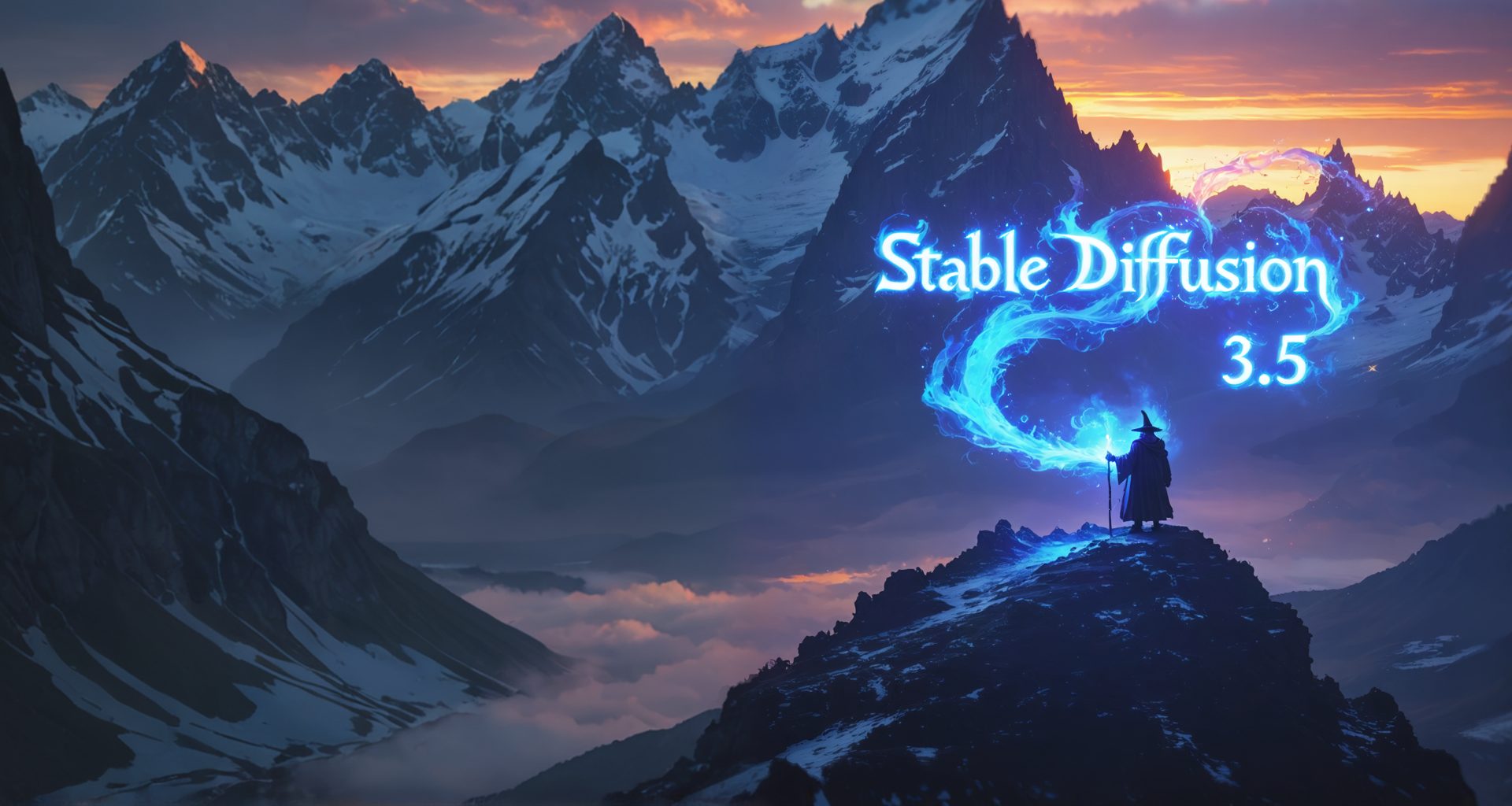
Generate with Stable Image Ultra
Stable Assistant is powered by Stable Image Ultra, Stability AI’s flagship image generation model, blending the power of Stable Diffusion 3.5 Large with advanced workflows to deliver the highest quality photorealistic images.
With greatly improved performance in multi-subject prompts, image quality, and spelling capabilities, you can transform your thoughts into stunning images.









Includes Stable Image Services


Search and Replace


Erase


New Image with the Same Structure


Inpaint


Image to 3D


New Image with the Same Style


Remove Background


Zoom Out


Enhance


Upscale


Sketch to Image


Search and Recolor


Replace Background
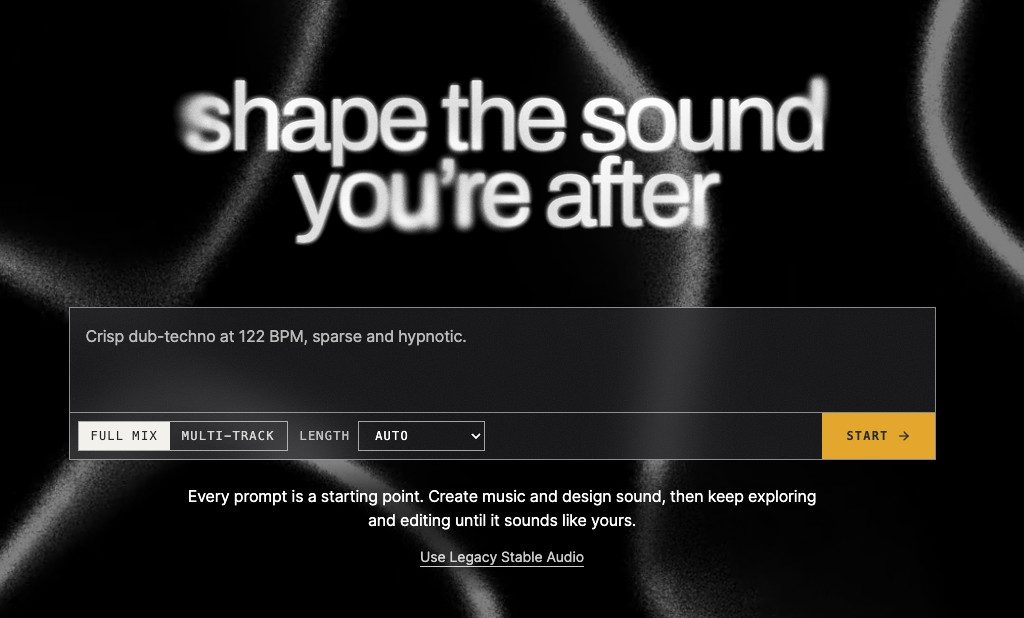
Chat with Stable Assistant
Whether you're drafting a blog post, editing a script, or searching for the perfect words to caption an image, our advanced language model, Stable LM 2 12B, powers Stable Assistant to enhance your content with its powerful text generation capabilities.
Stable Assistant Learning Hub

Frequently Asked Questions
-
Stable Assistant is a friendly chatbot powered by Stability AI’s text and image generation technology, featuring Stable Diffusion 3 and Stable LM 2 12B. It excels in generating images from conversational prompts, offering knowledgeable responses, helping with writing projects, and enhancing content with complimentary matching images. Capable of generating images in various styles, Stable Assistant leans towards an illustration style in some specific use cases.
-
You will be deducted credits for each usage, for instance 6.5 credits for a successful image generation and 0.1 credit for each message sent to Stable Assistant. For exhaustive costs of all tools please refer the Stable Assistant About page.
-
Once you login, click the top right button that shows the first letter of your email address. Then click “Manage Subscription,” and on the top right, click “Cancel plan.” Confirm your cancellation by clicking “Cancel plan.”